Snap the menu.
Get every dish.
Any menu → plain English + dish photos
Piggy Nose · AI menu translator
Use email · 10 free scans a day
- ExplainedHow it’s made
- PhotosTap to see
- Order helpFor your group
Understand the menu before you order
Piggy Nose is an AI menu translator for travelers and people dining abroad. Photograph a restaurant menu or upload an image to read dish explanations in English or Chinese, understand common ingredients and preparation, view available reference photos, and choose dishes for your group and budget.
How to translate a menu from a photo
Photograph or upload a menu
Open Piggy Nose in your phone browser and sign in. Take a clear photo of the whole menu or upload existing menu images. Use multiple pages for longer menus.
Read dish explanations
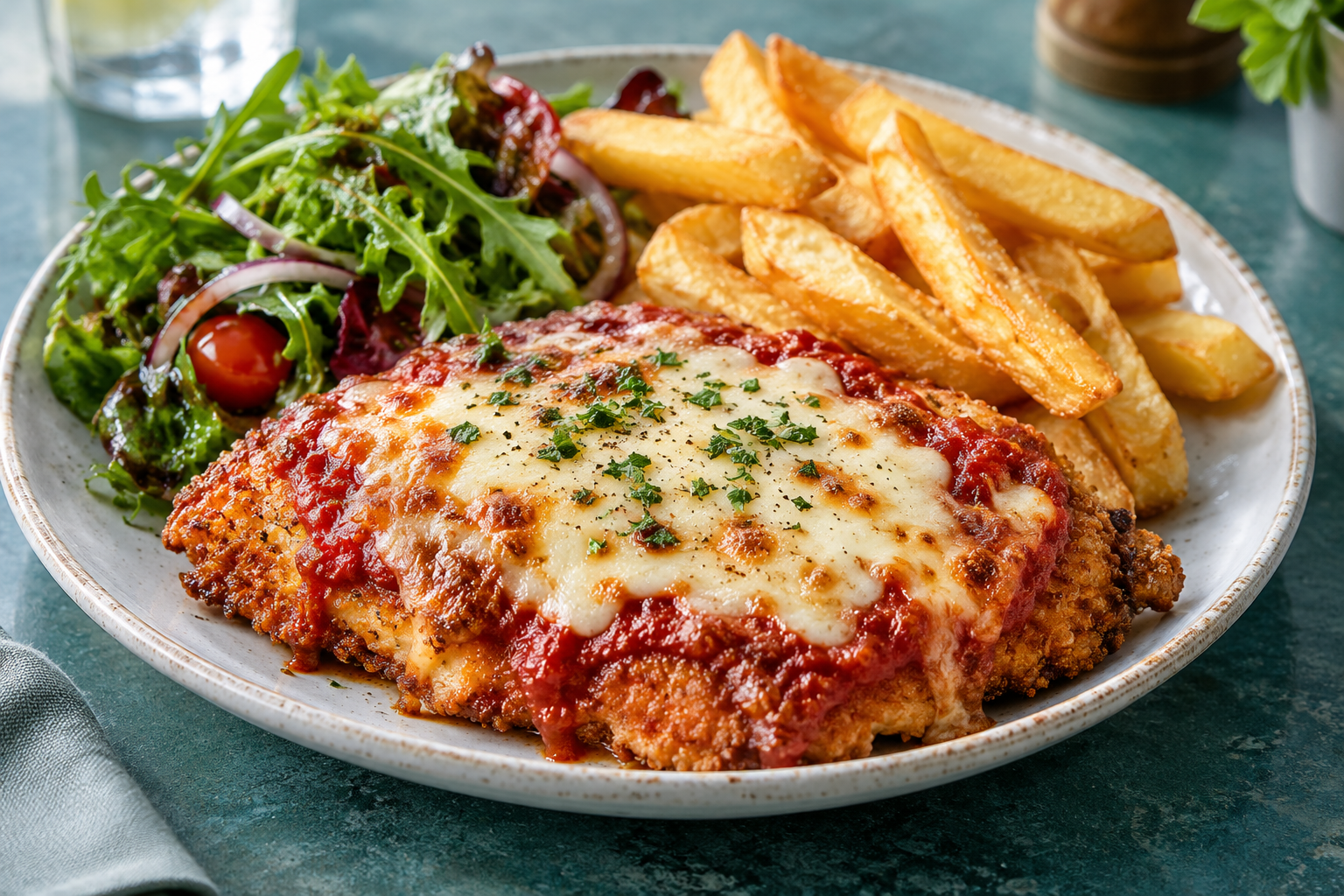
Compare the original dish names and prices with plain-language explanations. Open a dish to view available photos, with the image source labelled.
Choose for your table
Give the menu assistant your group size, budget and taste preferences for suggestions from the current menu. Then order with the restaurant as usual.
Sign in for 10 free menu scans a day. View membership benefits and current pricing
Menu translator FAQ
How do I translate a restaurant menu from a photo?
Sign in to Piggy Nose, take a photo of the menu or upload an image, and read the dish explanations in English or Chinese alongside the original names and prices. A clear, evenly lit photo without obstructions is easier to recognize.
How is Piggy Nose different from a general translation tool?
Piggy Nose organizes a restaurant menu into dishes, prices and explanations, adds available dish photos, and answers questions about the current menu. It can suggest dishes for your group and budget. General text translation focuses on the words; choosing a meal also involves understanding the dishes and combinations.
Do I need to download an app or pay?
No download is required: Piggy Nose works in a phone or desktop browser. Sign-in is required to scan menus, and free accounts can scan 10 times a day. For more usage, check the membership page for current Plus pricing and benefits.
Are the dish photos from this restaurant?
Not always. Images are labelled as restaurant photos, online reference photos or AI illustrations. Reference photos and AI illustrations help explain a dish; they do not represent the restaurant’s actual plating, ingredients or portion size.
Can a menu translation confirm food allergens?
No. AI recognition and translation can miss information, and menus may not list every ingredient. Ask restaurant staff directly about allergies, dietary restrictions and cross-contact.
Can I place an order or pay for my meal in Piggy Nose?
Piggy Nose helps you understand menus and choose dishes. It does not process restaurant orders, meal payments or POS transactions. Order and pay using the restaurant’s usual process.